
This document provides installation guide, which covers the connection, configuration and more of Smart Sensor Gateway
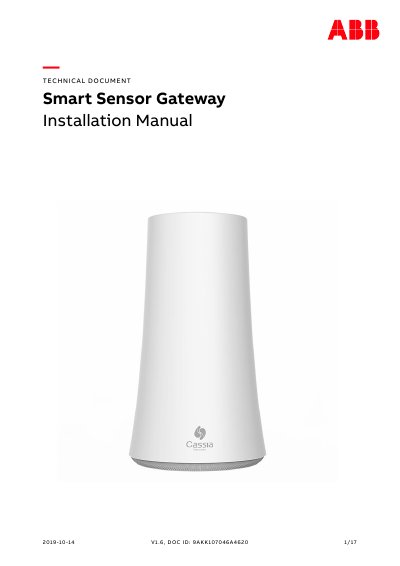
This manual provides step-by-step instructions for installing and configuring the ABB X1000 Smart Sensor Gateway. It details setup prerequisites, supported network types (PoE, LAN, Wi-Fi, mobile), and configuration steps including firewall port settings and Bluetooth scanning. Troubleshooting sections address common issues like failed connections or lost credentials.
The gateway requires internet access to upload sensor data and supports multiple connection methods. It includes a Bluetooth router and mounting kits. Configuration is done via a web interface accessible through a computer, tablet, or phone connected to the gateway’s setup hotspot.
| AC Address | abb.cassia.pro |
|---|---|
| Default Login Credentials | Login: admin, Password: admin |
| Supported Networks | PoE, LAN/Ethernet (with PoE injector), Wi-Fi (2.4GHz), Mobile (USB dongle) |
UDP 5246, 5247 (mandatory), UDP 6246, 6247 (optional), TCP 8883 (optional), TCP 80 (mandatory), TCP 443 (optional), TCP 9999 (mandatory), UDP 53 (mandatory).
Set Connection Priority to Wireless, enter the Wi-Fi SSID and password, change the operation mode to Client, and choose DHCP or static IP allocation.
Press the reset button for 10 seconds to restore factory defaults.