
Kistler DynoWare Type 2825A Data Acquisition and Analysis Software Instruction Manual

The manual describes how to install and use Kistler DynoWare Type 2825A data acquisition and analysis software. This software can be used for testing mechanical experiments.
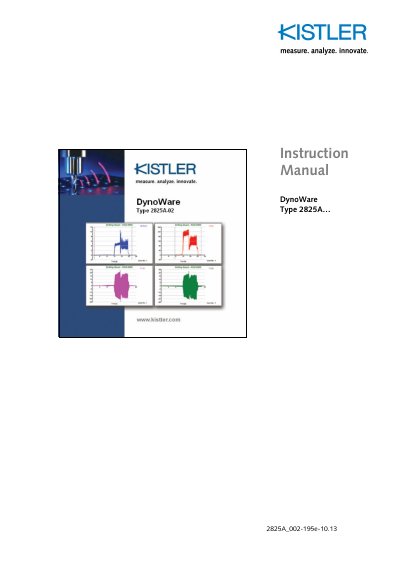

Kistler DynoWare Type 2825A Data Acquisition and Analysis Software Instruction Manual - cover page
Brand
Kistler
Category
Application program
Document type
User Manual
Language
English
Pages
99
File format
PDF
File size
3.1 MB
Published
26 October, 2023
Updated
26 October, 2023
MD5 checksum
AFDC83093A05545A721A166E319B94B4

About this manual

Kistler DynoWare Type 2825A is a general-purpose data acquisition and analysis software for Windows. It supports various data acquisition cards and charge amplifiers, allowing users to acquire, view, and analyze measurement data from piezoelectric dynamometers and other sensors.

The manual covers software installation, hardware configuration for supported DAQ cards and amplifiers, data acquisition setup, graph viewing and customization, analysis tools such as filtering and smoothing, and includes technical specifications for the Type 5697A DAQ system.

What's inside

  • Introduction
  • Important Information
  • Description of DynoWare
  • Installation
  • Quick Start
  • Reference (File, Acquisition, View, Analysis, Tools, Options, Window, Help)
  • Appendix
  • Technical Data of DAQ-Systems Type 5697A
  • Measuring Chain Used
  • Index

Frequently asked questions

How do I access help in DynoWare?

Press the F1 key or select Help from the menu bar to open the on-line help window.

What is the warranty period for DynoWare?

The warranty period is twelve months from the date of shipment.

Download PDF (3.1 MB)

More Kistler Manuals


View all Kistler manuals →