
MP 210 Thermo-Anemo-Manometer User Guide
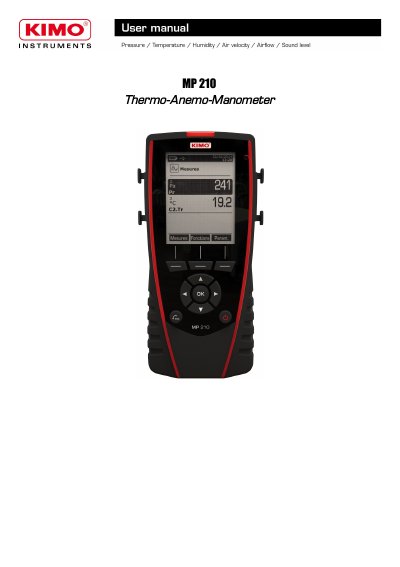
The KIMO MP 210 Thermo-Anemo-Manometer is a measuring instrument with a 120x160 pixel graphic display and backlight. The manual describes the instrument and keys, battery removal, connections, and use of interchangeable modules and probes.
It also explains the Information menu and settings for language, date and time, beep key, auto-off, backlight, security, printing, probes, channels, datasets, averages, COmax, Hold-Min./Max and measurement parameters.
| Display | 120x160 pixels graphic display with backlight |
|---|---|
| Display size | 50x67 mm |
| Displayed measurements | 6 measurements, 3 simultaneously |
| Battery type | Rechargeable Li-ion battery |
| Battery life | 16 h with a pressure module; 14 h with a hotwire probe |
| Power adapter | 5 V, 1 A |
| Printer paper | Thermal paper with a 10-year guarantee |
Turn off the instrument, turn it over, and press the red button while sliding down the battery.
It is 16 h with a pressure module or 14 h with a hotwire probe.
A 5 V, 1 A power adapter is supplied to load the internal battery.
From the home screen, select the Information menu with the arrow keys and press OK.