
The KIMO HQ210 user manual explains setup, connections, configuration and operation of the thermo‑hygrometer‑air quality instrument.
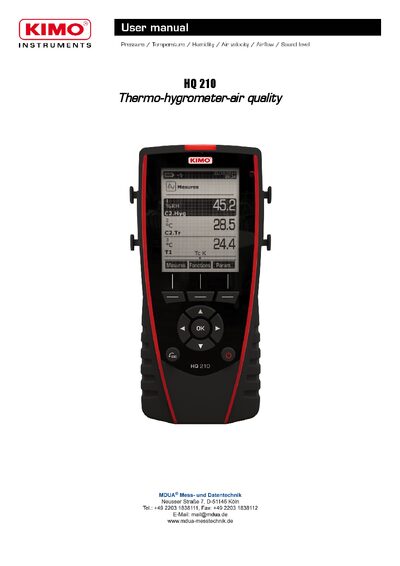
The HQ210 is a compact thermo‑hygrometer‑air quality instrument with a 120x160‑pixel graphic display, backlight and optional thermal printer. It runs on a rechargeable Li‑ion battery (16 h life with pressure module) and is powered by a 5 V / 1 A adapter. The device supports interchangeable SMART‑2014 modules for thermocouple, climatic conditions, CO/CO₂, omnidirectional and light measurements, with both wired and wireless probe options.
The manual details how to navigate the menus, set language, date/time, beep, auto‑off, backlight and security settings, as well as how to configure channel order, measurement units, alarms and thresholds for each probe type. It also covers starting and recording datasets, averaging, CO‑max, hold‑min/max, turbulence index, and printing options.
| Display resolution | 120x160 pixels |
|---|---|
| Instrument size | 50 mm × 67 mm |
| Battery type and life | Rechargeable Li‑ion, 16 h (pressure module) |
| Power adapter | 5 V / 1 A |
| Paper type | Thermal paper, 10‑year guarantee |
Turn off the instrument, turn it over, and press the red button while sliding down the battery.
Open the Configuration menu, select Language, and choose the desired language (e.g., FRA, ENG).
Probes connect via mini‑DIN connectors C1 and C2; thermocouple probes use C1, other probes use C1 or C2 with fool‑proofing.