
This document is the user manual of the Harmony Singer 2 battery-powered vocal effects stompbox with guitar-controlled harmony, reverb and tone
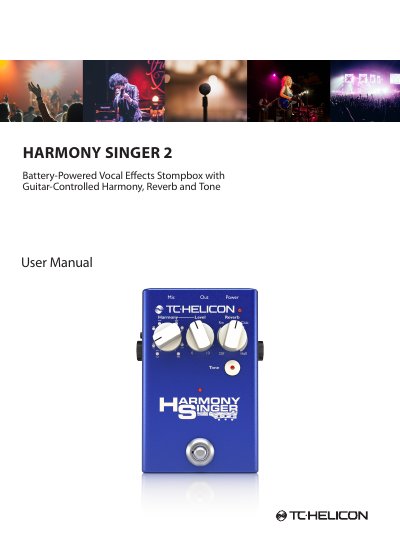
The TC Helicon Harmony Singer 2 is a battery-powered vocal effects stompbox featuring guitar-controlled harmony, reverb, and tone processing. It includes controls for selecting harmony intervals, adjusting reverb types, and engaging adaptive EQ and compression via a Tone button. The unit supports both latching and momentary footswitch modes and can be controlled via an MP-75 microphone.
| Input Impedance (Mic) | Balanced: 2.68 kOhm |
|---|---|
| Input Impedance (Guitar) | 1 MOhm |
| Output Impedance | 200/ 100 Ohm (Bal./Unbal.) |
| Frequency Response | +0/- 0.3 dB, 20 Hz to 20 kHz |
| Power Consumption | 6 W |
| Dimensions | 5.4" x 3.5" x 2.3" (140 x 90 x 60 mm) |
Hold the Tone button down while powering the unit on. Repeat the process to return to latching mode.
Yes, 24 V phantom power is always active on the unit to power condenser microphones.
Yes, using Mic Control allows you to control the effect's on/off status via an MP-75 microphone.