
This is an English manual for the Play Acoustic product, which introduces its usage methods, including connection diagrams and function introductions.
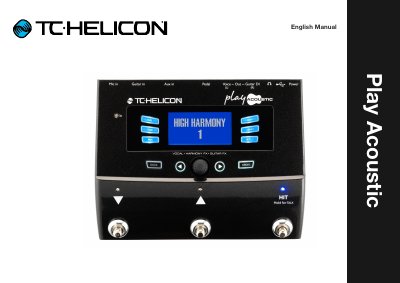
This manual provides detailed instructions for using the Play Acoustic, including safety precautions, input/output configurations, effect settings, and loop functionality. It also covers mixer setup, troubleshooting, and compatibility with external gear like the TC-Helicon FX150. The guide is designed for both beginners and advanced users, with diagrams and step-by-step explanations for optimal performance in live or studio settings.
The Play Acoustic is a compact vocal and guitar effects processor that allows users to apply effects such as reverb, delay, harmony, and compression. It includes a looper for recording and playback, and supports integration with external amplifiers and PA systems. The manual also explains how to use the VoiceSupport app for firmware updates, preset management, and support access.
| Product (firmware) version | 1.0 |
|---|---|
| Document version / date | 2014-07-16 |
VoiceSupport is an application that allows you to unlock the potential of your TC-Helicon product, manage presets, update firmware, and access support.
Yes, registration is not required to use VoiceSupport, download presets, update firmware, or contact support.