
User guide for TC-Helicon VoiceSolo FX150, covering setup, connections, safety, and usage scenarios for live vocal monitoring.
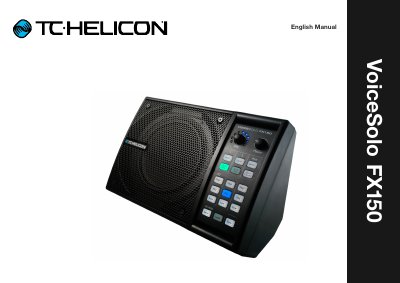
This manual provides setup guidance and connection diagrams for the TC-Helicon VoiceSolo FX150, a personal stage monitor for live vocal performance. It covers safety instructions, input/output connections, and various performance scenarios including solo singers, guitarists, and band setups. The guide also explains how to use the device with or without TC-Helicon vocal processors and third-party gear.
The manual includes technical specifications, diagrams for different connection types (XLR, ¼"), and explanations of controls and monitoring options. It also covers safety precautions, EMC compliance, and how to get support or register the device.
| Product (firmware) version | 1.2 |
|---|---|
| Document version / date | 2017-10-10 |
Connect the input sources (microphone, guitar) to the left side of the back panel and downstream devices (mixer, speakers) to the right. Use XLR or ¼" cables as needed.
Do not use near water, avoid blocking ventilation, do not defeat safety plugs, protect power cords, and unplug during lightning or long periods of inactivity.