
This manual introduces the features and characteristics of the TC-HELICON VOICELIVE 2 product.
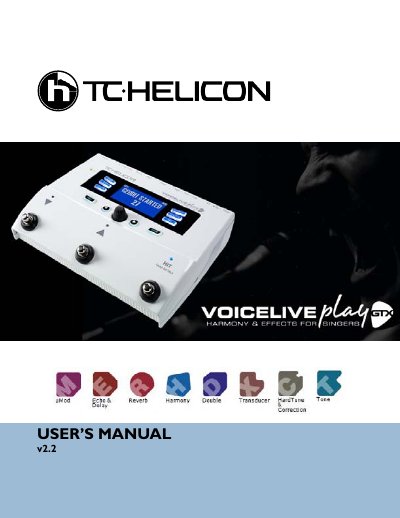
This manual provides instructions for the TC-Helicon VoiceLive Play GTX, a vocal effects processor designed for live performance. It details how to connect the unit to microphones, instruments, and computers, and explains the use of the included power supply to avoid damage. The device features a variety of inputs including Mic, Inst, Aux, and MIDI, allowing for versatile signal processing.
| Power Supply Requirement | ALWAYS USE A TC-HELICON POWER SUPPLY |
|---|---|
| Microphone Types Supported | Dynamic, Condenser, MP-75, E835FX |
Using any other power supply may damage the unit and will void your warranty.
Press and hold the Hit/Talk button to enter Talk mode, which mutes all effect output and passes the mic input directly to the output.
Press and hold the Up and Down switches simultaneously to enter Loop mode.
NaturalPlay is a feature that figures out which key your music is in by listening to the guitar, keyboard, MIDI, or Aux inputs.