
Introduces how to manually create a single group and a group set, allowing students to communicate and collaborate on a project
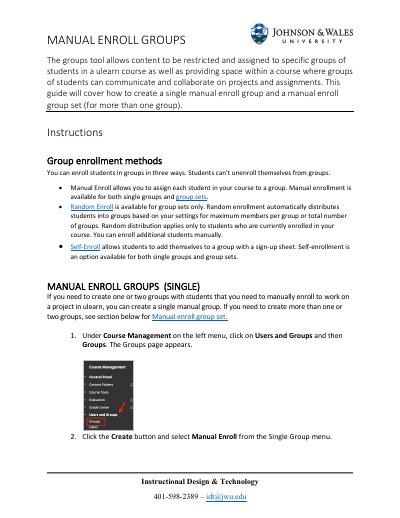
This instructional guide covers the creation of student groups within the ulearn platform, specifically focusing on the 'Manual Enroll' method. It details how to set up a single group for small projects or a group set for larger classes, including steps for assigning students and configuring available tools.
Students can be enrolled in groups in three ways: Manual Enroll, Random Enroll, and Self-Enroll.
No, students cannot unenroll themselves from groups.
Random Enroll is available for group sets only.