
The EseeCloud User Manual explains how to set up, log in, view live video, record, use PTZ control, and manage devices.
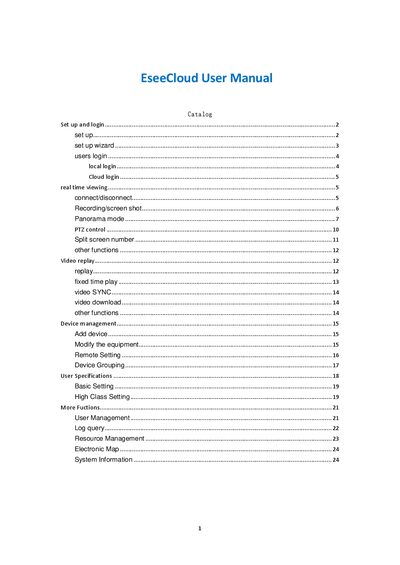
This manual walks you through the initial installation of the EseeCloud CMS, including language selection, installation path, and the setup wizard. It also covers both local and cloud login procedures, default credentials, and password recovery.
Subsequent sections describe real‑time video viewing, recording, screen capture, panorama and PTZ functions, split‑screen layouts, and device management tasks such as adding devices, grouping, and user permissions.
Use the default username "admin" with an empty password.
Click the record button in the toolbar to begin recording; click again to stop.