
Guide to accessing, searching, using facets, visualizations, and exporting data in the Chaoxing Discovery system.
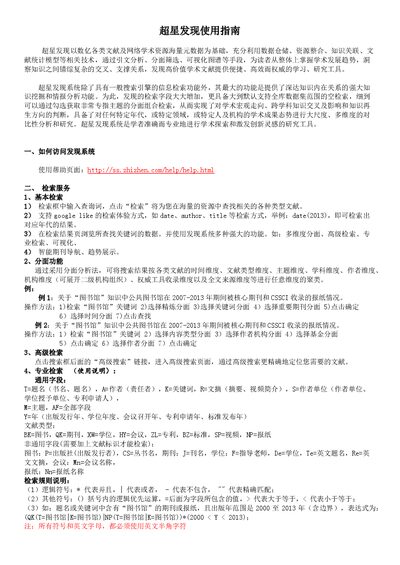
The Chaoxing Discovery system provides a powerful academic research platform built on billions of metadata records. It offers basic, advanced, and professional search functions, facet filtering, and visual analytics to help users explore scholarly trends and relationships.
This guide explains how to access the system, perform various types of searches, use visualization tools such as word maps and knowledge graphs, compare multiple topics, view citation relationships, and save or export results. This manual is written in Chinese.
| Supported search fields | T, A, K, R, S, M, AF, Y, BK, QK, XW, HY, ZL, BZ, SP, NP |
|---|---|
| Logical operators | * = AND, | = OR, - = NOT |
Open the help page at http://ss.zhizhen.com/help/help.html.
Enter your query in the search box and click “检索” to retrieve matching documents.
Click the “高级搜索” link next to the search box to open the advanced search page for more precise queries.