
User guide for Arphic iFontCloud V3.3 covering activation, font management, installation, removal and FAQs.
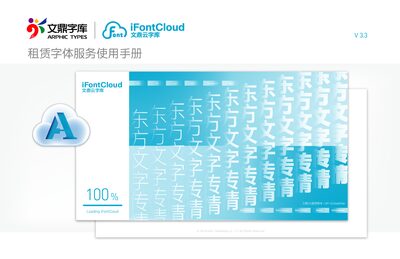
The iFontCloud V3.3 manual explains how to activate the cloud‑based font rental service, use the Font Manager interface, and perform basic operations such as installing and uninstalling fonts on Windows and Mac computers. It also describes how to set favorite fonts, create custom groups, and search for fonts.
Additional sections cover order and user information, dark‑mode settings, and a FAQ that answers common questions about licensing, offline use, and antivirus warnings. This manual is written in Chinese.
| Software Version | V 3.3 |
|---|---|
| Maximum Offline Usage Time | 14 days |
Installed fonts remain usable for up to 14 days in offline mode.
No. The subscription is tied to a single computer; each additional computer needs its own subscription.