
This manual provides installation, configuration, and maintenance instructions for the Transaction Risk Monitoring System.
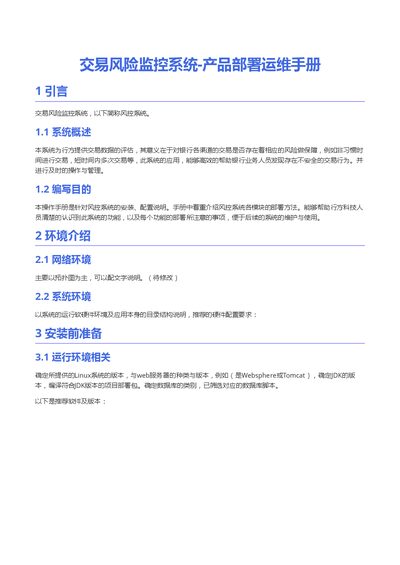
The document introduces the Transaction Risk Monitoring System, describing its purpose of evaluating transaction data for risk assessment and outlining the overall deployment approach. It explains the system’s architecture and the role of each software component.
Detailed steps cover environment preparation, required software versions, installation of JDK, Zookeeper, MongoDB, Kafka, Spark, Hadoop, and related configuration. The guide also includes verification procedures, sharding setup, user management, and troubleshooting tips for a successful deployment. This manual is written in Chinese.
| Recommended JDK version | jdk1.8.0_xxx |
|---|---|
| Zookeeper version | zookeeper-3.4.11 |
| Kafka version | kafka_2.11-1.1.0 |
| Spark version | spark-2.3.0-bin-hadoop2.7 |
| Hadoop version | hadoop-2.7.5 |
| MongoDB version | mongodb-linux-x86_64-rhel62-3.6.6 |
| Minimum Zookeeper nodes | 3 |
The manual recommends using JDK version 1.8, shown as jdk1.8.0_xxx.
Zookeeper must be installed in a replica mode with at least three nodes.
Run the mongod command with the configuration file, e.g., mongod -f /bigdata/apps/mongodb-3.6.6/mongo.conf.
Open a web browser and visit http://vm1:50070 to check the NameNode status.