
Nuance Dragon v16 Volume License Client Installation Guide

Dragon v16 volume license client installation guide, introduces how to install dragon client
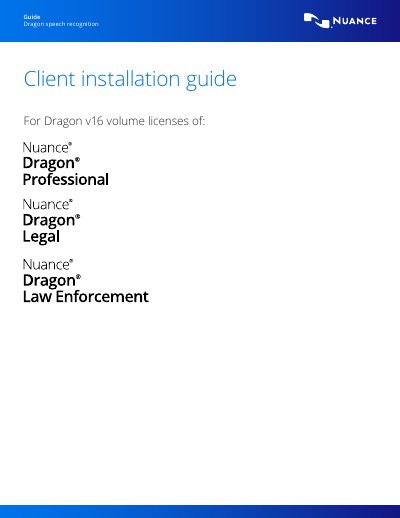

Nuance Dragon v16 Volume License Client Installation Guide - cover page
Brand
NUANCE
Category
Other software
Document type
Installation Guide
Language
English
Pages
77
File format
PDF
File size
1.4 MB
Published
26 October, 2023
Updated
26 October, 2023
MD5 checksum
70E40CC4E4849DDF3E430A03F5A38556

About this manual

This document serves as the Client Installation Guide for Dragon v16 volume licenses. It provides instructions for planning, preparing, and installing the Dragon speech recognition client on Windows workstations. The guide covers security considerations, system requirements, and various installation methods including default settings, batch files, and command-line options.

What's inside

  • About this guide
  • Preparing to install Dragon
  • Initial Installation of Dragon
  • Upgrading Dragon
  • Installing the Dragon client with settings
  • Configure the Dragon Client for Nuance Management Center
  • Modifying nsdefaults.ini

Frequently asked questions

What software products are covered by this Dragon v16 volume license installation guide?

This guide covers the installation for Dragon Professional, Dragon Law Enforcement, and Dragon Legal.

What specific Windows operating systems are listed as trademarks associated with this software?

The document lists Windows 10, Windows 11, Windows Server 2016, Windows Server 2019, and Windows Server 2022 as trademarks.

Download PDF (1.4 MB)

More NUANCE Manuals


View all NUANCE manuals →