
This is a GE Concord 4 Quick User Guide, which contains instructions on how to quickly set and disarm the system
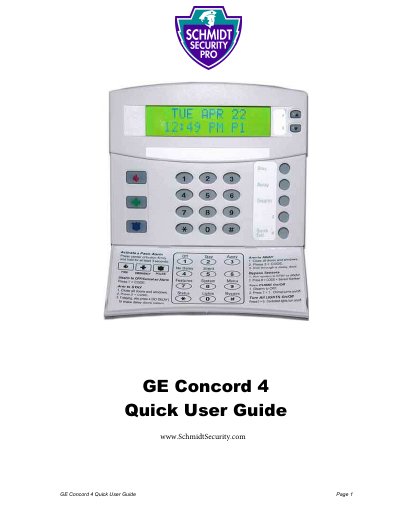
This guide explains how to quickly arm and disarm the GE Concord 4 security system using different levels: Level 1 (Off), Level 2 (Stay), and Level 3 (Away). It covers bypassing sensors, resetting alarms, managing access codes, and using panic buttons. The guide also details how to check system status and troubleshoot common trouble conditions such as power failures, sensor issues, and phone failures.
For advanced functions like time and date programming, chime mode, and sensor testing, the guide provides step-by-step instructions using keypad codes and button combinations.
Close all protected doors and windows. Press 2, enter your access code, and the system will display 'Armed to Stay' with two short beeps.
It indicates the system status. Press * for status information.