
The GE AKLK18 and AKLK24S room air conditioner user manual provides safety instructions, installation steps, operation controls, cleaning, and troubleshooting.
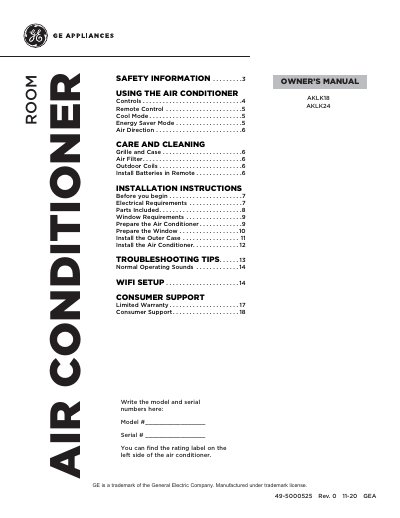
This manual covers safety information, proper installation, and operation of the GE AKLK18 and AKLK24S window‑mounted room air conditioners. It includes detailed instructions for wiring, mounting, and configuring the unit, as well as guidelines for using the remote control, Wi‑Fi connectivity, and various operating modes such as Cool, Eco, and Sleep.
Additional sections describe routine care and cleaning, filter maintenance, troubleshooting tips, and consumer support resources. The document also lists the parts included with the unit and provides specifications for operating temperature ranges and electrical requirements.
Turn the unit off and unplug it from the wall outlet, then clean the grille and case with water and a mild detergent, avoiding bleach or abrasives.
Press the Wi‑Fi Connect pad on the remote control and follow the instructions in the companion app to link the air conditioner to your home Wi‑Fi network.