
The GE 33712 6177 universal remote control user manual provides setup, button functions, programming methods, troubleshooting, and warranty information.
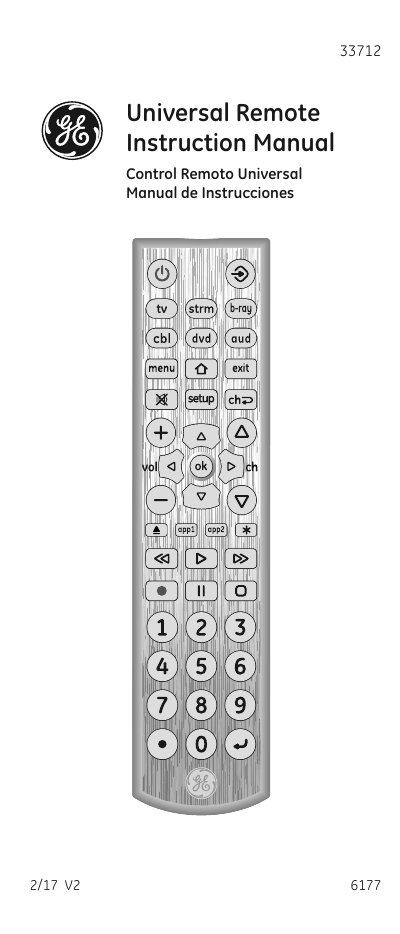
This manual explains how to install batteries, set up the remote, and use its button functions to control TVs, Blu‑ray/DVD players, streaming devices, sound bars, and cable receivers. Detailed programming instructions cover both Direct Code Entry and Auto Code Search, with tips for combo devices and the Master Volume feature.
Additional sections cover troubleshooting common issues, resetting to factory settings, warranty details, and FCC compliance. The document also includes safety and battery‑saving information to help keep the remote operating reliably.
| Battery type | Two AA batteries (not included) |
|---|---|
| Battery saver timeout | Remote turns off after 8 seconds of continuous button press |
| Code retention time | Up to 10 minutes of battery change without losing programmed codes |
Press and hold the SETUP button until the red light blinks twice, then follow the on‑screen instructions to restore factory defaults.