
Introduces how to use the HCImage Live ORCA®-Fusion software, including installation, capture, processing, etc.
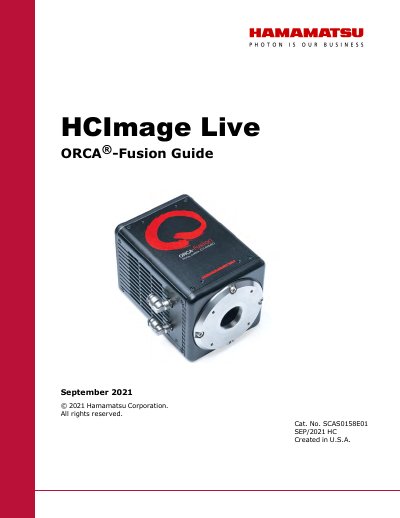
This guide describes the HCImage Live software interface and its capabilities for controlling the ORCA-Fusion camera. It covers the installation process, including the setup of DCAM-API drivers, and explains how to launch the application.
The document details the functionality of the Capture Pane and Sequence Pane, including features for image acquisition, data reduction, binning, and various trigger modes. It also provides instructions for advanced camera properties and specific capture modes like LightSheet.
The default output is 16-bit, though 12-bit and 8-bit are also available options.
With an sCMOS camera, 2x2 binning increases the signal to noise ratio by a factor of two.
Images must be saved as the DCIMG file type to achieve a reduced file size.