
Use the RICOH IM C6500/C8000 series Web Image Monitor to confirm machine status and settings on your computer. When the machine and a computer can be connected to a network, you can access to Web Image Monitor by entering the IP address of the machine on the address bar of the Web browser.
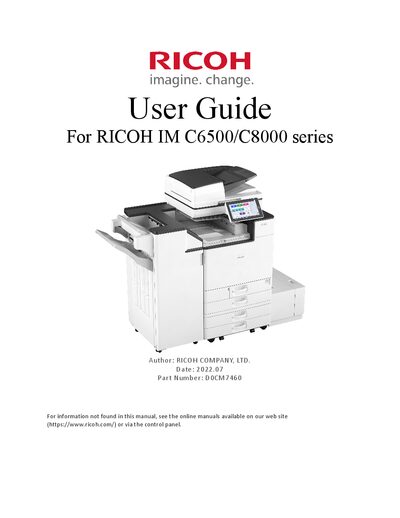
This user guide provides instructions for operating the Ricoh IM C6500 and IM C8000 series multifunction devices. It covers basic navigation of the Web Image Monitor, including how to connect via IP address or host name, and describes the information displayed on the monitor.
Key sections include administrator functions such as security pattern settings, unauthorized copy prevention, and encryption options for IPP and Kerberos authentication. The guide also lists recommended web browsers and details how to download or view help files within the monitor.
Enter the IP address of the machine in the address bar of the Web browser.
Supported browsers include Internet Explorer 11 or later, Firefox 52 or later, Chrome 50 or later, and Edge 20 or later.
In Web Image Monitor, go to Device Settings → Kerberos Authentication and select the encryption algorithm to enable.
The default setting for Data Security for Copying is Off.