
This manual explains how to install, uninstall, playback, and extract still images from MP files using the Ricoh VM-1 MP File Browser on Macintosh computers.
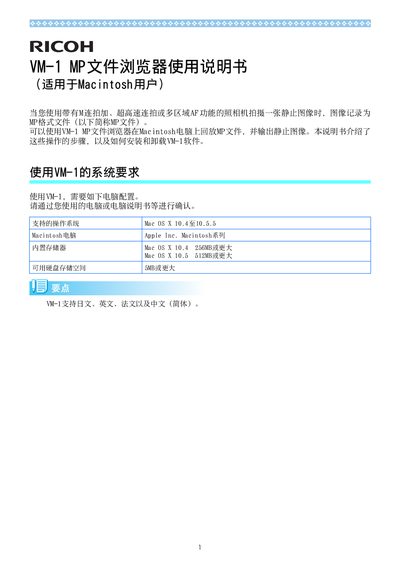
The Ricoh VM-1 MP File Browser allows Macintosh users to playback MP‑format files recorded by cameras with high‑speed burst or multi‑area AF functions, and to extract individual still images. The software supports Mac OS X 10.4‑10.5.5, requires at least 256 MB (10.4) or 512 MB (10.5) of RAM, and needs 5 MB of free disk space.
The manual provides step‑by‑step instructions for downloading the installer from Ricoh’s website, installing the application, uninstalling it, playing back MP files, and saving selected images as separate still files. It also describes how to extract all images at once or one by one, and how to navigate the image numbers within the program. This manual is written in Chinese.
| Supported Operating System | Mac OS X 10.4‑10.5.5 |
|---|---|
| Minimum RAM | 256 MB (OS X 10.4) / 512 MB (OS X 10.5) |
| Minimum Disk Space | 5 MB |
Download the VM-1XX.dmg file from Ricoh’s website, double‑click the DMG, then double‑click the VM-1 Installer.pkg and follow the on‑screen prompts to complete the installation.