
The Ricoh printer user guide provides safety instructions, setup, printing, driver installation, Wi‑Fi printing, maintenance, and troubleshooting.
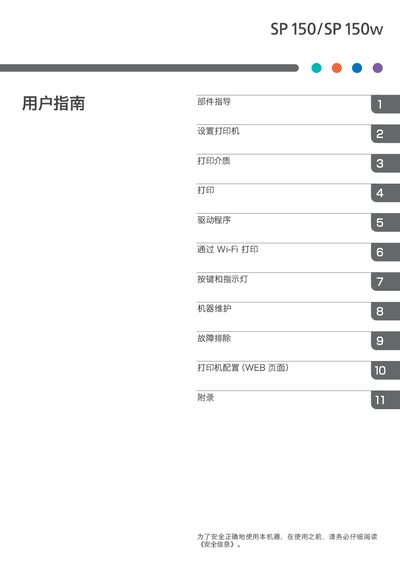
This guide covers everything needed to operate a Ricoh printer safely and efficiently. It includes component identification, printer setup, media handling, driver installation for Windows and macOS, and Wi‑Fi configuration.
Additional sections explain button functions, LED indicators, routine maintenance such as drum‑toner replacement, troubleshooting common issues, and web‑based printer configuration. Energy‑saving features and environmental disposal information are also provided. This manual is written in Chinese.
| Maximum paper size | 216 mm × 356 mm (8.5 × 14 in) |
|---|---|
| Warm‑up time | < 25 seconds |
| Paper tray capacity | 50 sheets (70 g/m², 19 lb) |
| Memory | 64 MB (SP 150) |
| Maximum power consumption | 880 W |
| Power‑saving mode consumption | 1.2 W or less |
| Dimensions (W×D×H) | 351 × 266 × 106 mm |
| Weight (with drum‑toner) | ≈ 6.5 kg (14.3 lb) or less |
| Print speed | 22 pages/min (A4, SEF) |
| Resolution | 600 × 600 dpi (max 1200 × 600 dpi) |
| Interface | USB 2.0, Wi‑Fi 802.11 b/g/n (Wi‑Fi model) |
| Printer language | GDI |
Install the driver and the “RICOH Printer” software as described in the driver installation section.
Use the Wi‑Fi configuration and installation steps provided in the Wi‑Fi printing section.
The printer consumes 1.2 W or less in power‑saving mode.