
This document introduces the installation method of Enphase IQ Envoy.
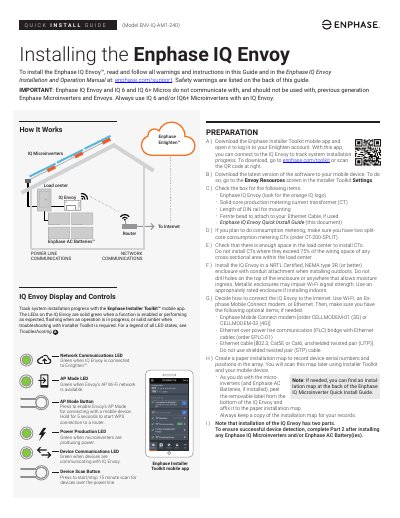
This guide walks you through installing the Enphase IQ Envoy, including preparing materials, wiring for power and metering, installing current transformers, and updating the device via mobile app. It covers safety precautions, enclosure requirements, and network setup options. The guide also explains LED indicators and troubleshooting basics for successful installation.
Installation Part 2 must be completed after installing microinverters or batteries. The guide includes diagrams for wiring and CT placement, and notes on compatible devices and safety warnings.
Enphase IQ Envoy and IQ 6 and IQ 6+ Micros do not communicate with, and should not be used with, previous generation Enphase Microinverters and Envoys.
Use the Enphase Installer Toolkit mobile app to update the Envoy. Keep your mobile device near the Envoy during the update, which may take up to 20 minutes.
Use a two-pole circuit breaker of up to 20 A (maximum) for the supply wiring.