
This guide describes the steps required to connect the Envoy-S to the Enphase Enlighten monitoring system
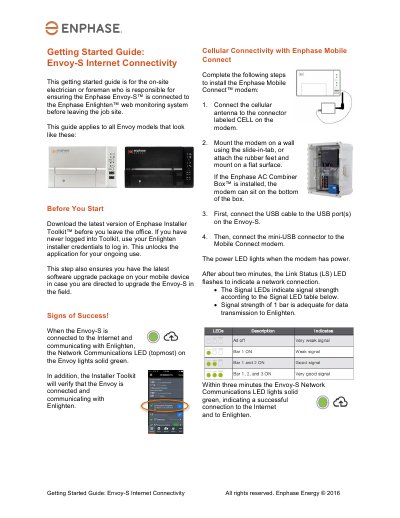
This Getting Started Guide is intended for on-site electricians or foremen to ensure the Enphase Envoy-S is connected to the Enphase Enlighten web monitoring system before leaving the job site. It covers the necessary steps to verify connectivity and install the optional Enphase Mobile Connect modem for cellular connectivity.
The Network Communications LED (topmost) on the Envoy lights solid green, and the Installer Toolkit verifies the connection.
A signal strength of 1 bar is adequate for data transmission to Enlighten.
You must use an Ethernet cable (Cat5E or Cat6 UTP); do not use STP cable.