
This document is Enphase's Quick Start Guide, which introduces the four steps to install Enphase solar inverters
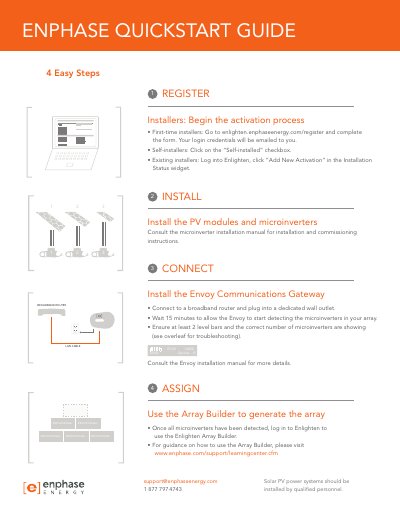
This guide provides step-by-step instructions for installers and self-installers to register and activate an Enphase energy system. It covers the initial registration process via the Enlighten portal and the physical installation of PV modules and microinverters, directing users to the specific microinverter manual for detailed commissioning steps.
The document details the installation and configuration of the Envoy Communications Gateway, including connection to a broadband router and wall outlet. It explains how to use the Enlighten Array Builder to assign detected microinverters and provides troubleshooting steps for common issues such as low signal bars or incorrect device counts.
Go to enlighten.enphaseenergy.com/register and complete the form; your login credentials will be emailed to you.
Relocate the Envoy to the power outlet closest to the load center and install included Ethernet bridges if necessary.
Log in to Enlighten and use the Array Builder to generate the array once all microinverters are detected.