
Enphase Envoy Communications Gateway Installation and Operation Manual

This manual provides detailed instructions on how to install and use the Envoy Communications Gateway.
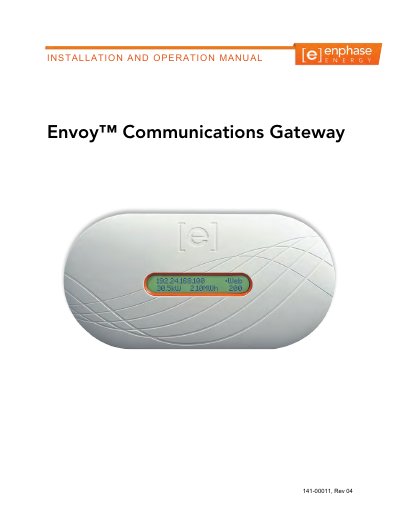

Enphase Envoy Communications Gateway Installation and Operation Manual - cover page
Brand
Enphase
Category
Other Electronics
Document type
Installation Guide
Language
English
Pages
56
File format
PDF
File size
2.1 MB
Published
06 August, 2012
Updated
30 September, 2023
MD5 checksum
30BF60A598E0300FE861A91932FA475C

About this manual

The Enphase Envoy Communications Gateway is an integral component of the Enphase Energy Microinverter system. It operates between the microinverters and the Enphase Enlighten web-based monitoring software, functioning as a gateway that collects energy and performance data from microinverters over on-site AC power lines. The device then forwards this data to Enlighten via the Internet for statistical reporting and analysis.

What's inside

  • Important Information
  • Safety Instructions
  • The Enphase Envoy Communications Gateway
  • Envoy Installation
  • Planning and Preparation
  • Preinstallation Checks
  • Installation Flow
  • Envoy Operation
  • Troubleshooting
  • Technical Data

Frequently asked questions

What is the Enphase Envoy Communications Gateway used for?

The Envoy functions as a gateway that monitors microinverters connected to PV modules and forwards energy and performance data to the Enphase Enlighten software via the Internet.

How frequently does the Envoy transmit data to Enlighten?

The device collects information and transmits it to Enlighten in 5-minute intervals.

What safety warning is given regarding repairing the Envoy?

Users should not attempt to repair the device because it contains no user-serviceable parts and tampering will void the warranty.

Download PDF (2.1 MB)

More Enphase Manuals


View all Enphase manuals →