
Enphase Envoy Communications Gateway Quick Install Guide

Describe how to install Envoy communications gateway
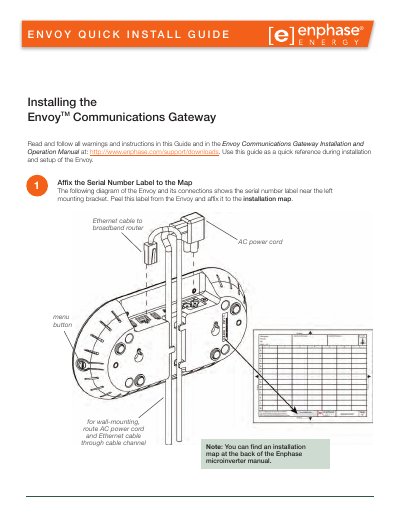

Enphase Envoy Communications Gateway Quick Install Guide - cover page
Brand
Enphase
Category
Other Electronics
Document type
Installation Guide
Language
English
Pages
4
File format
PDF
File size
644 KB
Published
06 August, 2012
Updated
01 October, 2023
MD5 checksum
A23ACD70D77E94883B4BA683320A7721

About this manual

This guide provides quick reference instructions for installing and setting up the Enphase Envoy Communications Gateway. It details the physical connection of AC power and Ethernet cables, the optional use of power line communication bridges, and the process for registering the device on the Enlighten website.

What's inside

  • Register the Envoy
  • Connect Ethernet and Power Cables
  • Add Power Line Communication Bridges
  • Check the Envoy's Progress
  • Mount the Envoy to the Wall
  • Build the Virtual Array
  • View System Performance
  • Troubleshooting

Specifications

Mounting screw size#8 drywall screws
Maximum screw head diameter8.9 mm (0.35 inches)
Internet connection timeout15 minutes
Device scan durationabout 30 minutes

Frequently asked questions

Can I mount the Envoy permanently before completing setup?

No, you should not permanently mount the Envoy until you complete Step 7.

What is the maximum screw head diameter allowed for wall-mounting?

The maximum screw head diameter is 8.9 mm (0.35 inches).

How long should you wait for the Internet connection indicator to appear?

You must look for the +Web indication within 15 minutes after connecting.

Download PDF (644 KB)

More Enphase Manuals


View all Enphase manuals →