
Instructions for connecting Enphase Envoy R and Envoy S to the internet via wired Ethernet or wireless Wi-Fi methods.
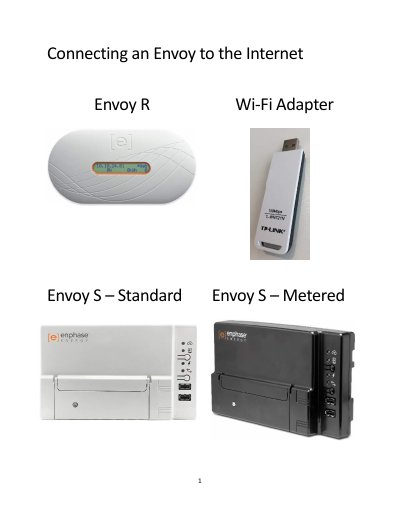
This guide provides step-by-step instructions for connecting Enphase Envoy R and Envoy S devices to the internet. It covers both wired connections using an Ethernet cable and wireless connections using the WPS method or manual configuration.
The default username is 'admin' and the password is also 'admin'.
The username is 'envoy' in lowercase letters, and the password is the last 6 digits of the Envoy serial number.
You must wait up to 5 minutes after connecting the ethernet cable.