
This manual provides usage instructions for the HP Officejet 7300/7400 series all‑in‑one, covering setup, printing, scanning, copying, fax, maintenance and…
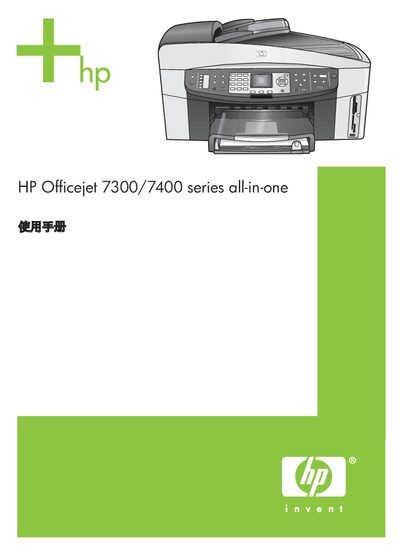
The HP Officejet 7300/7400 series all‑in‑one combines printing, copying, scanning and fax functions in a single device. It offers wireless, Ethernet and USB connectivity, supports storage cards and PictBridge cameras, and includes HP Instant Share for easy sharing.
The manual is organized into sections on device overview, connection information, loading paper and media, using photos, copying, scanning, fax setup and operation, HP Instant Share (USB and network), ordering supplies, maintenance, troubleshooting, support resources, warranty and technical specifications. This manual is written in Chinese.
| Print resolution (black) | 1200 x 1200 dpi |
|---|---|
| Print resolution (color) | 1200 x 1200 dpi |
| Scan optical resolution | 2400 x 4800 dpi (up to 19,200 dpi enhanced) |
| Copy speed (black) | up to 30 pages per minute |
| Copy speed (color) | up to 20 pages per minute |
| Fax transmission speed | 33.6 Kbps |
When the device is connected via USB or Ethernet, turn off the wireless function; see the network manual for instructions on disabling the wireless LED.
Supported storage card types include CompactFlash, SmartMedia, Memory Stick, Memory Stick Duo, Memory Stick Pro, Secure Digital, MultiMediaCard (MMC) and xD‑Picture Card.