
Installation and getting started guide for HP ProCurve Series 2600 switches, covering setup, wiring, PoE, mounting, and basic troubleshooting.
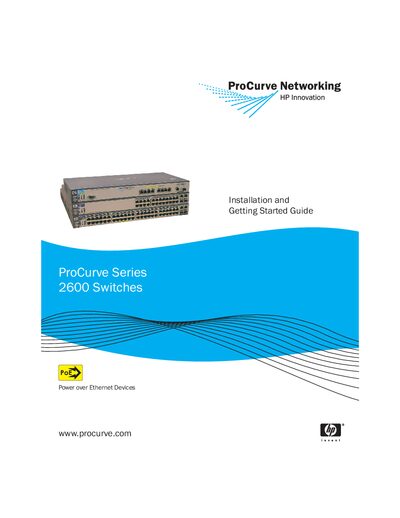
The ProCurve Series 2600 switches are multi‑port Ethernet switches that support Power over Ethernet (PoE) and optional redundant power supplies. They are designed for high‑performance, low‑latency networking in both desktop and segment configurations.
This guide provides step‑by‑step installation instructions, wiring diagrams, PoE power information, mounting options (rack, wall, horizontal), initial configuration procedures, and basic troubleshooting tips to help you get the switches up and running quickly.
| Width | 44.3 cm (17.4 in) |
|---|---|
| Depth | 36.7 cm (14.4 in) |
| Height | 4.4 cm (1.73 in) |
| Weight (2626‑PWR) | 4.62 kg (10.20 lbs) |
| Input Voltage | 100‑240 V |
| Maximum Current (2650‑PWR) | 7.5 A‑3.5 A |
| Operating Temperature (Non‑PWR) | 0 °C to 55 °C |
| PoE Power Capacity | Up to 406 W total (126 W on 2600‑8‑PWR) |
The Series 2600‑PWR switches can deliver up to 406 W of PoE power in total, with each port capable of up to 15.4 W.
They operate on any voltage between 100 V and 240 V, at either 50 Hz or 60 Hz.