
The HP LaserJet Enterprise 600 M602 Series printer manual provides specifications, features, setup, and maintenance information for M602n, M602dn, and M602x…
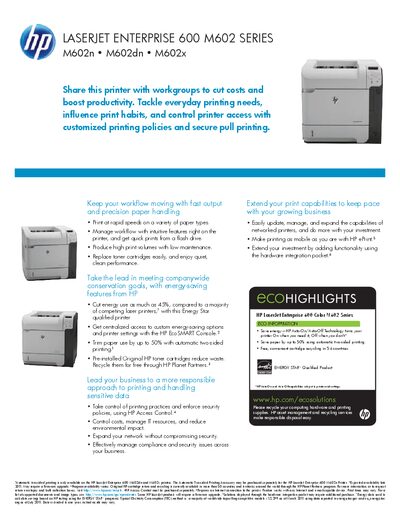
The LaserJet Enterprise 600 M602 Series is a high‑volume workgroup printer offering fast print speeds, large paper capacity, and energy‑saving features. It supports three models – M602n, M602dn, and M602x – each with optional accessories such as additional trays and a hardware integration pocket.
This manual covers the printer’s key features, technical specifications, connectivity options, installation steps, and maintenance procedures. It also details optional services, security features, and environmental information to help users manage and extend the printer’s capabilities.
| Print speed (black, letter) | Up to 52 ppm |
|---|---|
| Duty cycle | Up to 225,000 pages per month |
| Processor | ARM Cortex‑A8, 800 MHz |
| Standard memory | 512 MB |
| Maximum paper capacity | 3,600 sheets |
| Maximum output capacity | 1,100 sheets |
| Print resolution (best) | 1200 × 1200 dpi |
| Power consumption (printing) | 820 W |
| Dimensions (M602n) | 16.3 × 16.9 × 15.7 in |
The printer can print up to 52 pages per minute in black on letter‑size paper (up to 50 ppm on A4).
Standard paper capacity is up to 600 sheets, and with optional trays the total input capacity can reach up to 3,600 sheets.
Automatic two‑sided printing is standard on the M602dn and M602x models and optional on the M602n model.