
This manual introduces the software installation and usage of the AC-115 door access controller.
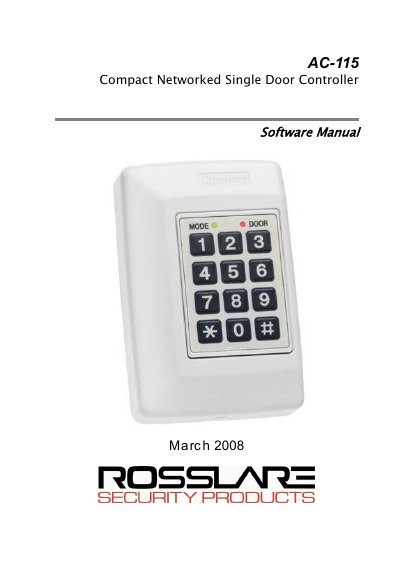
This guide provides step-by-step instructions for installing the AC-115 PC software package on compatible Windows operating systems. It details the hardware requirements, including the need for a specific Serial Port (COM Port) and available hard disk space.
The document explains how to connect the AC-115 hardware to a PC, configure serial ports, and manage system settings such as operators, employees, and door configurations. It also covers generating various reports, including movement, attendance, and door reports, as well as setting up multi-language support.
| Maximum Networked Controllers | up to seven more AC-115s |
|---|---|
| Minimum Hard Disk Space | 300MB |
| Required Interface | Serial Port (9-PIN Connector) |
| Supported Operating Systems | Windows 95/98/ME, Windows NT/2000, Windows XP/2003 server |
The software functions on Windows 95/98/ME, Windows NT/2000, and Windows XP/2003 server.
Yes, a single AC-115 can be programmed locally via its membrane keypad, though PC software is required for networking multiple units.
The product is covered by a two-year limited warranty from the date of shipment.