
Installation instructions for Rosslare AY-X12 Series Prox Readers, covering mounting, wiring, and operation for access control systems.
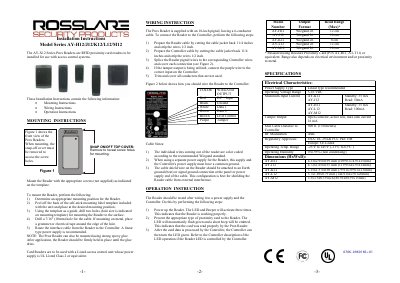
This document provides installation instructions for the Rosslare AY-X12 Series Prox Readers, which are RFID proximity card readers designed for use with access control systems. The guide details the mounting process, including the removal of the snap-on cover and the use of a self-stick template for positioning. It also specifies that a linear type power supply is recommended and that the unit must be used with a Listed access control unit whose power supply is UL Listed Class 2 or equivalent.
| Operating Voltage Range | 5-16 VDC |
|---|---|
| Max Cable Distance to Controller | 500 ft. (150 meters) |
| Operating Temp. Range | -25°F to 145°F (-31°C to 63°C ) |
| Operating Humidity | 0 to 95% (non condensing) |
| Wiegand Output | 26 |
A linear type power supply is recommended.
Power up the Reader; the LED and Beeper will activate three times to indicate it is working properly.
The LED will momentarily flash green and a short beep will be emitted.