
Key facts
- Brand
- Rosslare
- Model
- AC-115
- Category
- Industrial Robot
- Documents
- 2
- Languages
- EN
- Last added
- 2026-09-28
Start here
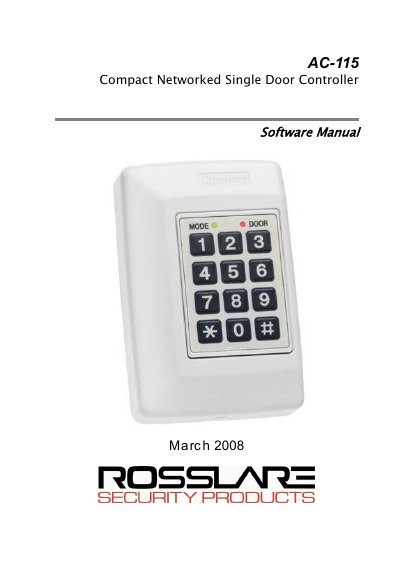
Rosslare AC-115 Door Access Controller Software Installation and User's Guide
This guide provides step-by-step instructions for installing the AC-115 PC software package on compatible Windows operating systems. It details the hardware requirements, including the need for a specific Serial Port (COM Port) and available hard disk space.
The document explains how to connect the AC-115 hardware to a PC, configure serial ports, and manage system settings such as operators, employees, and door configurations. It also covers generating various reports, including movement, attendance, and door reports, as well as setting up multi-language support.
Rosslare AC-115 specifications
| Supported Operating Systems | Windows 95/98/ME, Windows NT/2000 |
|---|---|
| Minimum Hard Disk Space | 300 MB |
| Required Serial Port | 9‑pin connector |
| Network Capacity | Up to 8 AC-115 controllers (one plus seven more) |
Source: Rosslare AC-115 Software Installation and User Guide
All Rosslare AC-115 documents by type
Day-to-day operation, settings and troubleshooting. Start here if the product is already set up.
Questions answered in these manuals
What operating systems are supported by the AC-115 software?
The software runs on Windows 95/98/ME and Windows NT/2000.
How much hard‑disk space is required for installation?
A minimum of 300 MB of free hard‑disk space is required.
What operating systems are supported by the AC-115 software?
The software functions on Windows 95/98/ME, Windows NT/2000, and Windows XP/2003 server.
From: Rosslare AC-115 Door Access Controller Software Installation and User's Guide
Can the AC-115 be programmed without the PC software?
Yes, a single AC-115 can be programmed locally via its membrane keypad, though PC software is required for networking multiple units.
From: Rosslare AC-115 Door Access Controller Software Installation and User's Guide