
Key facts
- Brand
- Postek
- Model
- C168
- Category
- Printer
- Industry
- Electronics
- Documents
- 3
- Languages
- EN · ZH
- Last added
- 2026-10-28
Start here
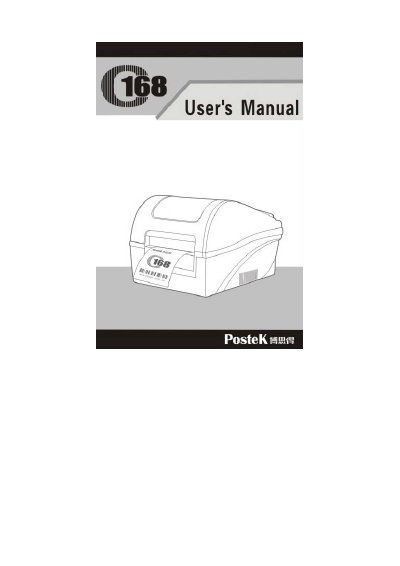
Postek C168 Label Printer User Manual
This manual provides step-by-step instructions for setting up and operating the Postek C168 label printer. It includes details on connecting the printer, loading media and ribbon, adjusting settings, and performing basic operations. Safety precautions and maintenance procedures are also covered to ensure proper use and longevity of the device.
Troubleshooting guidance is provided for common issues such as print errors, media jams, and connectivity problems. The manual also includes technical specifications, interface details, and an ASCII table for reference.
Postek C168 specifications
| Printing Method | Thermal Transfer Printing |
|---|---|
| Resolution | 203 dpi / 300 dpi |
| Max Printing Speed | 4 ips (101.6 mm/s) |
| Memory | 8 MB FLASH ROM, 16 MB SDRAM |
| Weight | 2.8 kgs |
Source: Postek C168 Series Compact Barcode Label Printer Product Leaflet
All Postek C168 documents by type
Day-to-day operation, settings and troubleshooting. Start here if the product is already set up.
Questions answered in these manuals
What is the maximum printing width for the C168/200s model?
The maximum printing width for the C168/200s model is 4.25 inches.
From: Postek C168 Series Compact Barcode Label Printer Product Leaflet
What are the supported operating temperature ranges?
The printer operates between 32°F and 104°F (0°C to 40°C).
From: Postek C168 Series Compact Barcode Label Printer Product Leaflet
What is the maximum printing width of the C168 printer?
The maximum printing width is 4.09 inches (104mm).
What interfaces does the C168 printer support?
The printer supports RS-232 serial and USB interfaces.