
This is a quick start guide for a multifunction color system that describes the system's features and functions, including preparations, basic usage, FAQs, maintenance, and regular cleaning
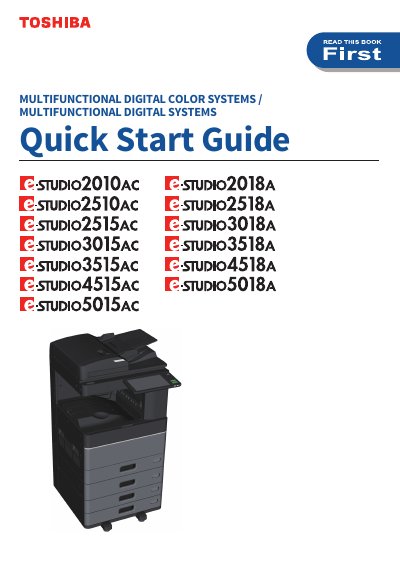
This Quick Start Guide provides instructions for setting up and using TOSHIBA multifunctional digital color systems, including models such as the e-STUDIO2010AC and e-STUDIO2018A series. It details how to turn the equipment on and off, load paper and originals, and install necessary client software on Windows and Mac OS.
The document outlines basic operations for copying, faxing, scanning, e-filing, and printing. It also includes sections on maintenance tasks like replacing toner cartridges and waste toner boxes, as well as regular cleaning procedures. Additionally, the guide offers troubleshooting advice for hardware and software issues and explains how to access advanced applications and manage the device via TopAccess.
The Operator's Manual Pocket is located on the back side of the equipment and is used to store the manual.
The equipment may not detect the cartridge, the error message 'Toner not recognized' may appear, and printing may not be performed.
It prints on both sides of the paper and opens when paper misfeeds occur.