
This is a quick start guide for Huawei M6721-E-Z31M IP camera, including packing list, installation guide and user manual.
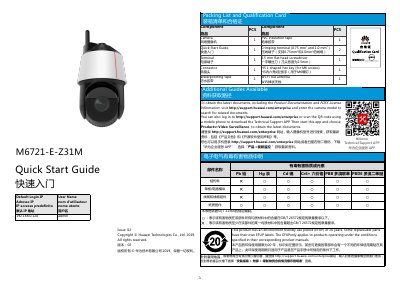
This guide provides step-by-step instructions for installing and configuring the Huawei M6721-E-Z31M network camera. It includes a packing list, default login credentials, and details on mounting options. The guide also covers SD card installation, wiring terminals, and safety precautions for proper setup.
The camera supports Wi-Fi and GPS connectivity, and comes with tools like a screwdriver, crimping tool, and mounting hardware. Users must power off the device when inserting or removing the SD card to avoid system errors. Default IP is 192.168.0.120 with username 'admin'. This manual is written in Chinese.
| Default IP Address | 192.168.0.120 |
|---|---|
| Power Input | 24 V AC (-25% to +24.9%) |
| SD Card Support | Class 10 or higher Micro SD card |
The default IP address is 192.168.0.120.
The camera supports Class 10 or higher Micro SD cards.
Hold down the reset button for at least 5 seconds while the device is running.