
This document is the quick start guide for Huawei network camera. It mainly introduces the unboxing, installation, wiring, and configuration of the device.
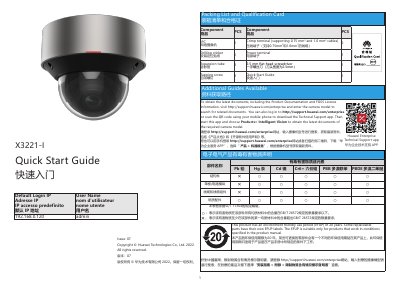
This guide provides step-by-step instructions for installing the Huawei X3221-I network camera, including mounting, wiring, and SD card insertion. It covers interface descriptions, power requirements, and alarm settings. The camera supports PoE and has adjustable viewing angles. Users can access updated documentation via the Huawei Enterprise Technical Support app or website.
The guide also includes safety notes on handling the device, waterproofing cables, and managing SD card usage to extend its lifespan. Installation tools and hardware are listed, and the camera’s environmental use period is 20 years. This manual is written in Chinese.
| Default IP Address | 192.168.0.120 |
|---|---|
| Power Input | 12 V ±25% DC, 24 V AC (-25%,+24.9%) |
| Environmental Use Period | 20 years |
| Alarm Output Power | ≤30 W, ≤110 V DC or 125 V AC |
The default IP address is 192.168.0.120.
Hold the reset button for at least 3 seconds while the device is running.
The environmental use period is 20 years.