
Honeywell RTH9580 Wi-Fi Thermostat Installation Guide

This is a Wi-Fi color touch screen programmable thermostat installation manual
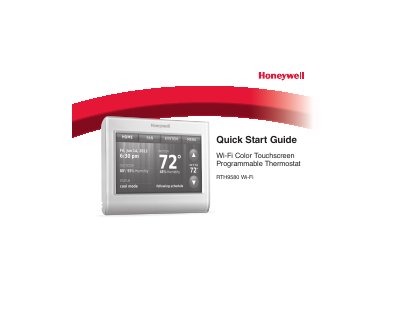

Honeywell RTH9580 Wi-Fi Thermostat Installation Guide - cover page
Brand
Honeywell
Category
Other
Document type
User Manual
Language
English
Pages
20
File format
PDF
File size
2.4 MB
Published
20 October, 2023
Updated
20 October, 2023
MD5 checksum
0AF55AF7A444053C91E9A066B71A004E

About this manual

This guide provides instructions for installing the Honeywell RTH9580 Wi-Fi Color Touchscreen Programmable Thermostat. It covers the initial setup process, including installing the wallplate and connecting wires to the new unit. The document emphasizes the requirement of a C wire for power and provides steps for labeling and transferring wires from an old thermostat.

What's inside

  • Getting set up
  • Install your thermostat
  • Switch OFF power
  • Remove old thermostat faceplate
  • Label wires
  • Mount wallplate
  • Connect wires
  • Verify connections
  • Register online
  • Need help

Specifications

System Voltage CompatibilityCommon 24 volt systems
Compatible System Typesforced air, hydronic, heat pump, oil, gas, and electric

Frequently asked questions

Is a C wire required for this thermostat?

Yes, a C wire is required and is the power source for the thermostat.

What should I do with an old thermostat containing a sealed mercury tube?

Do not place it in the trash; contact the Thermostat Recycling Corporation for disposal instructions.

Can I run the air conditioner if the outside temperature drops below 50°F?

No, you should not run the air conditioner if the outside temperature drops below 50°F (10°C).

Download PDF (2.4 MB)

More Honeywell Manuals


View all Honeywell manuals →