
This manual introduces the SCPI commands of the HMP series power supply, including remote control interfaces, network connection, configuring LAN parameters, switching to remote control, messages and command structure, command sequence and synchronization, status reporting system, common commands, system related commands, configuration commands, measurement commands, arbitrary commands, etc.
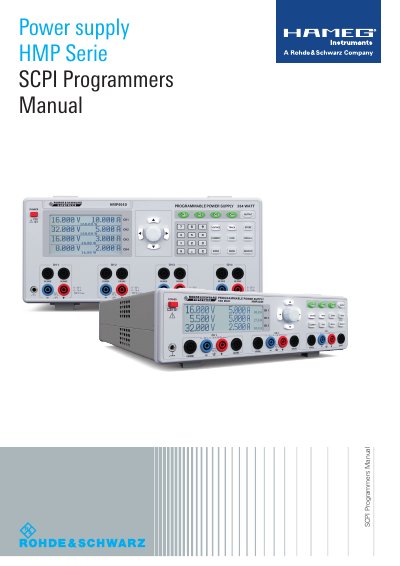
This manual explains how to remotely control HAMEG HMP Series power supplies using SCPI commands. It covers setup for RS-232, USB, Ethernet, and GPIB interfaces, including configuration steps and communication protocols. The guide also details command structure, message types, and status reporting for remote operation.
The manual includes sections on setting up network connections, switching to remote control mode, and using common, system, and configuration commands to control voltage, current, output, and measurement functions.
RS-232 / USB, Ethernet / USB, or GPIB can be used.
The default port number is 5025.
GPIB addresses from 0 to 30 are allowed.
Up to 15 instruments can be connected.