
This is the user guide of Zebra Xi4/RXi4 printer
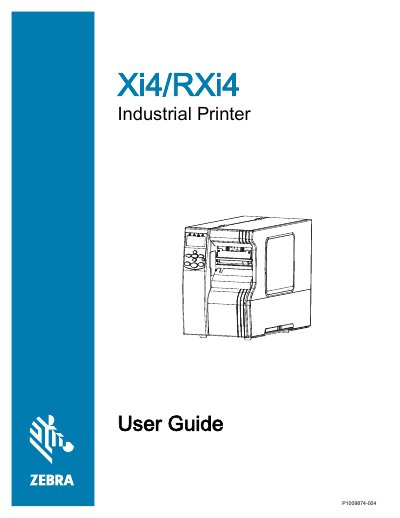
This User Guide covers Zebra Xi4 Series industrial printers, including the 110Xi4, R110Xi4, 140Xi4, 170Xi4, and 220Xi4 models. It is intended for any person who needs to perform routine maintenance, upgrades, or troubleshooting on the printer.
The guide starts with printer components and setup, then covers operations such as loading media and ribbon, calibration, control panel configuration, routine cleaning and maintenance, troubleshooting, diagnostics, and specifications.
| Power cord length | Less than 9.8 ft. (3 m) |
|---|---|
| Power cord rating | At least 10 A, 250 V |
| Power cord connector | IEC 320 female connector |
| RFID encoder RF exposure distance | 20 cm minimum |
It is intended for any person who needs to perform routine maintenance, upgrade, or troubleshoot problems with the printer.
The overall cord length must be less than 9.8 ft. (3 m).
Leave at least 1/8 in. (3.2 mm) between the bar code and other printed areas and the label edge.
Perform the FEED Self Test and adjust the darkness or print speed settings as necessary.