
This document is the user manual of Atmel ® | SMART SAM V71 Xplained Ultra evaluation kit
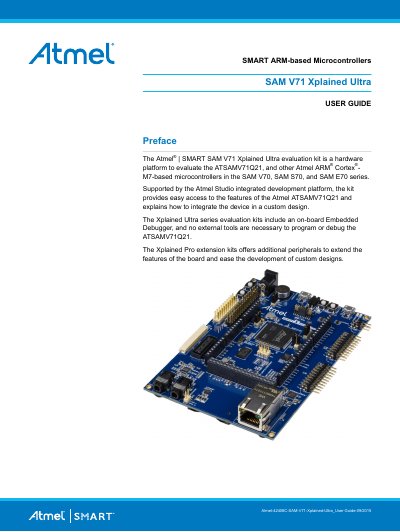
This document provides instructions for using the Atmel SAM V71 Xplained Ultra evaluation kit, which is designed to evaluate the ATSAMV71Q21 microcontroller. It includes details on hardware features, connectors, and embedded debugging tools. The kit supports development with Atmel Studio and includes an on-board debugger, eliminating the need for external tools. The guide also covers getting started, hardware identification, and revision history.
| Microcontroller | ATSAMV71Q21 |
|---|---|
| Clock Crystals | 12.0MHz and 32.768kHz |
| Memory | 2MB SDRAM and 2MB QSPI Flash |
| Ethernet | Built in Ethernet MAC with external IEEE 802.3az 10Base-T/100Base-TX Ethernet PHY |
| Audio Codec | WM8904 low power stereo audio codec |
| CAN Transceiver | ATA6561 |
| EEPROM | AT24MAC402 256KB with EUI-48 address |
| USB Interface | Device and host mode |
| Debug Interface | CoreSight 20 connector for 4-bit ETM |
| Power Input | External power input (5-14V) and USB powered |
Connect a USB cable (Standard-A to Micro-B or Micro-AB) between the PC and the DEBUG USB port on the kit.
The kit is supported by Atmel Studio, which auto-detects the board and provides relevant documentation.
No, the kit includes an on-board Embedded Debugger, so no external tools are necessary.
The kit can be powered via external power input (5-14V) or USB.