
This document is the service manual for Asus A790 notebook. It includes hardware engineering specification, system view and disassembly, definition and location of connectors/switches, definition and location of major components, pin description of major components, system block diagram, maintenance diagnostics, troubleshooting and other content.
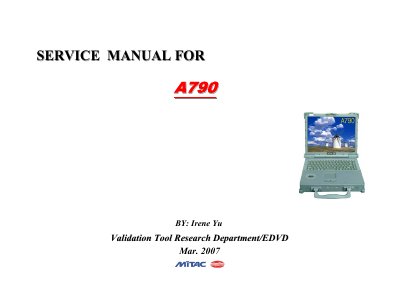
This service manual covers the hardware engineering specification, system view, disassembly, and component pin descriptions for the MiTAC A790 notebook. It includes details on the Intel Yonah processor, 945GM chipset, memory, display, audio, and I/O ports. The manual also provides troubleshooting guides for power, display, memory, keyboard, and other system errors.
The A790 is a rugged, high-performance, thin-and-light notebook designed for use in vehicles, field, and office environments. It supports docking for extended I/O capabilities and includes features like Bluetooth, fingerprint reader, GPS, and GPRS. The manual is intended for technicians performing maintenance and diagnostics.
| CPU | Intel Yonah Processor Dual Core Low Voltage 1.66 GHz |
|---|---|
| Chipset | Intel 945GM + ICH7-M |
| Display | 12.1" TFT XGA LCD resolution: 1024x768 |
| Memory | DDR2 400/533 MHz, Max 2 GB |
| Graphics | Intel GMA 950, DirectX 9.0, PCI Express x16 |
| Audio | Azalia 32 bits 192 KHz, 2 speakers 2W |
| Storage | 2.5" HDD, 60GB to 100GB or above, SATA 160 |
| Keyboard | Shower-proof and dust-proof rubber keyboard |
| Pointing Device | Touch-sensitive control pad with Microsoft Win Mouse function |
| BIOS | 1MB Flash EEPROM, ACPI 2.0, boot from IDE and USB |
It uses an Intel Yonah Processor Dual Core Low Voltage 1.66 GHz.
The standard display is 12.1" TFT XGA with 1024x768 resolution.
It has an Intel GMA 950 graphics controller with DirectX 9.0 support.
It supports 2.5" HDD with 60GB to 100GB or above, SATA 160.