
This document mainly introduces the features of Mio136(Easy Road), including product specifications, function keys, usage time, functions, etc.
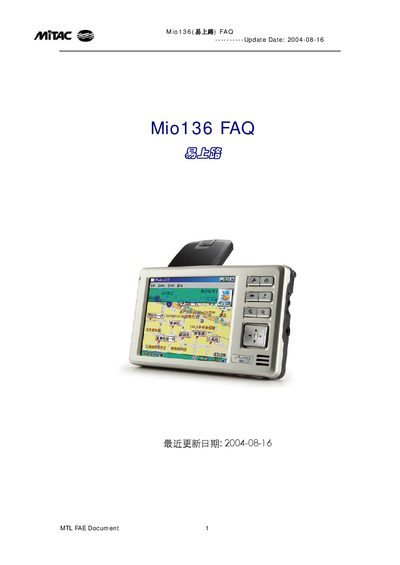
The Mio136 FAQ provides answers to common questions about the device’s hardware, software and features. It explains the specifications such as CPU, memory, battery life, dimensions and supported formats, and describes how to activate and update the device.
Additional sections cover GPS positioning, map data handling, MP3 playback restrictions, operating modes, and troubleshooting tips. The document is organized as numbered questions and answers, making it easy to find specific information. This manual is written in Chinese.
| CPU | Intel PXA255 - 300 MHz |
|---|---|
| Operating System | Microsoft Windows CE .Net 4.2 Core version |
| Memory | 32 M ROM, 32 M RAM |
| Battery Capacity | 1100 mAh, 3 h charge, 5 h work, 19 d standby |
| Dimensions | 120 mm × 70 mm × 16‑24 mm |
| Weight | 120 g |
| Storage Media | SD/MMC card |
| MP3 Format Support | .mp3 (MPEG‑1 Layer 3) |
Enter the provided serial number and activation code as described in the activation steps.
No, MP3 files must be stored on the SD/MMC card in the \Storage Card\MP3 folder.
No, GPS positioning is provided free of charge.
Yes, additional map files can be copied to the \Storage CardMAPS directory on the SD/MMC card.