
This manual is a digest of the operator’s manual for JEOL JEM-2100 transmission electron microscope.
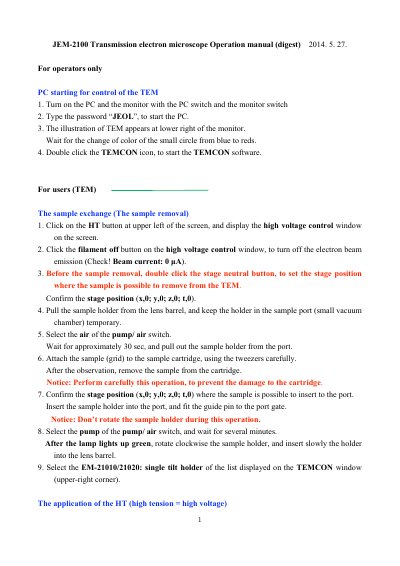
This manual provides instructions for TEM operators to control the machine, manage sample exchange, and operate the CCD camera system. It covers starting the PC and TEMCON software, adjusting beam settings, inserting/removing samples, and capturing images. Operators must follow safety steps to prevent damage to equipment.
The guide also includes procedures for turning off the electron beam, high tension, and PC controls. For CCD camera use, users must configure settings, capture images in MAG1 mode, and safely remove the camera after use.
Double click the TEMCON icon after logging in with password 'JEOL' and waiting for the small circle to change from blue to red.
Turn off the electron beam, set stage position to (x,0; y,0; z,0; t,0), pull sample holder from lens barrel, wait 30 sec, then insert sample into port and fit guide pin.
Set the HT value to 80kV on the high voltage control window, then click the ON (HT) button.
Display full-screen iTEM window, click intelligent exposure, click acquisition to show live image, adjust brightness and focus, then click snapshot to capture and save as JPG or TIFF.