
This document provides step-by-step operating instructions for the JEOL JSM-6360LV scanning electron microscope, covering startup, imaging, and shutdown…
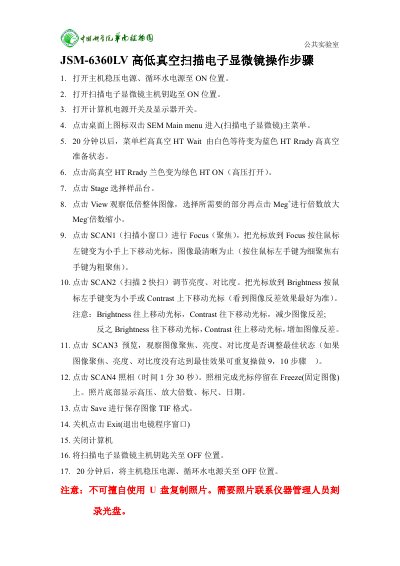
The manual outlines the standard operating procedure for the JEOL JSM-6360LV high-low vacuum scanning electron microscope. It details the sequence of actions required to power on the system, including turning on the stabilizing power supply, circulating water power, and the main host key before launching the SEM software. This manual is written in Chinese.
The system requires a 20-minute wait period for the high vacuum status to change from white 'Wait' to blue 'Ready'.
The default setting for taking a photograph (SCAN4) is 1 minute and 30 seconds.
To reduce image contrast, move the cursor up for Brightness and down for Contrast.