
The JEOL JSM-6060LV is a state-of-the-art scanning electron microscope with a low vacuum feature for observing non-conductive specimens. It has a fully automated electron gun, a backscattered electron detector for atomic number contrast imaging, fully integrated digital control, motorized x-y stage, and a NORAN System 6 elemental analysis system. The JEOL JSM-6060LV scanning electron microscope is user-friendly and easy to operate.
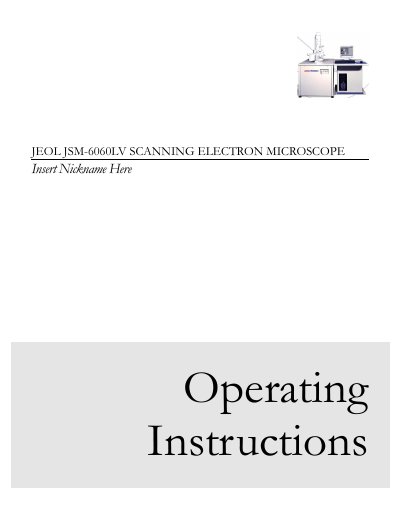
This document provides operating instructions for the JEOL JSM-6060LV Scanning Electron Microscope. It covers safety information, background on scanning electron microscopy, and detailed procedures for sample preparation and instrument operation. The manual highlights features such as low vacuum operation for non-conductive specimens and a fully automated electron gun.
The microscope features a low vacuum mode specifically for observing non-conductive specimens.
The vacuum system provides a working pressure between 10-6 and 10-4 Torr.
You should wait about 40 seconds until the VENT button stops flashing.