
JEOL JSM-6301 Scanning Electron Microscope Operation Manual

This manual is the operation manual of JSM-6301 scanning electron microscope. It mainly introduces the power on method, sample exchange method, operating precautions and other contents of this device.
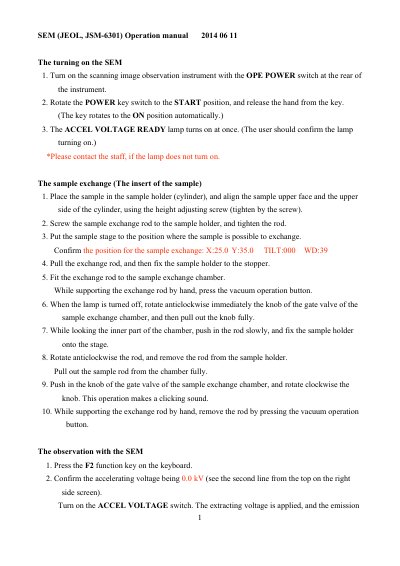

JEOL JSM-6301 Scanning Electron Microscope Operation Manual - cover page
Brand
JEOL
Category
Other Electronics
Document type
User Manual
Language
English
Pages
6
File format
PDF
File size
109 KB
Published
19 October, 2023
Updated
19 October, 2023
MD5 checksum
2BC77010926723C16E3F18647992BACB

About this manual

This document serves as an operation manual for the JEOL JSM-6301 Scanning Electron Microscope. It details the procedures for turning on the instrument, preparing the sample stage, and performing sample exchange operations within the vacuum chamber. The guide also explains how to adjust accelerating voltage and emission current for observation.

What's inside

  • The turning on the SEM
  • The sample exchange
  • The observation with the SEM
  • The photography method
  • The capturing of the sample image
  • The axis adjustment
  • The adjustment of the beam axis
  • The CL correcting of astigmatism
  • The sample removing
  • The completing of the operation

Specifications

MO Disk Capacity128 MB
Vacuum DegreeLesser than 7.5×10⁻⁶ Torr

Frequently asked questions

What is the required vacuum degree for observation?

The vacuum degree in the sample chamber must be adjusted to be lesser than 7.5×10⁻⁶ Torr.

What MO disk capacity is supported for saving images?

The manual specifies that only formatted MO disks with a capacity of 128 MB should be used.

How do you turn off the accelerating voltage?

You can rotate the ACCEL VOLTAGE knob anticlockwise to diminish the voltage to 0.0 kV, or type 0 using the INS key.

Download PDF (109 KB)

More JEOL Manuals


View all JEOL manuals →