
JEOL JSM-840A LaB6 Filament Operation Guide

This document introduces the operation method of JEOL JSM-840A LaB6 filament.
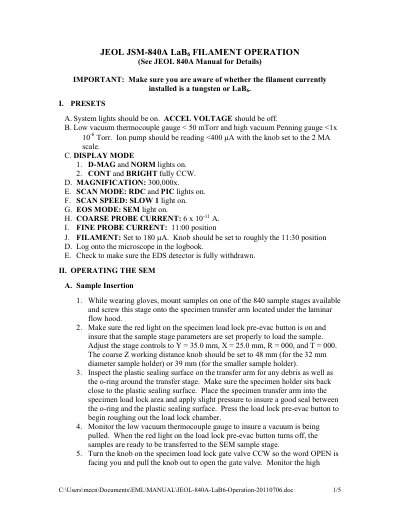

JEOL JSM-840A LaB6 Filament Operation Guide - cover page
Brand
JEOL
Category
microscope
Document type
User Manual
Language
English
Pages
5
File format
PDF
File size
26 KB
Published
19 October, 2023
Updated
19 October, 2023
MD5 checksum
696ED4004FAE9C8380EAB628F32940A8

About this manual

This document provides specific instructions for operating the filament on a JEOL JSM-840A Scanning Electron Microscope (SEM), distinguishing between tungsten and LaB6 filaments. It outlines the necessary system presets, including vacuum levels and display modes, required before initiating filament operation.

What's inside

  • Presets
  • Operating the SEM
  • Sample Insertion
  • Obtaining an Image
  • Recording an Image
  • Removing/Exchanging samples
  • Shut Down
  • Checking Probe Current

Frequently asked questions

What are the required vacuum levels before operating the filament?

The low vacuum thermocouple gauge must be < 50 mTorr and the high vacuum Penning gauge must be <1x 10⁻⁶ Torr.

What is the initial filament current setting for the presets?

The filament should be set to 180 µA with the knob positioned roughly at the 11:30 position.

How should the filament current be increased to reach saturation?

Increase the current from 180 µA to 200 µA, wait 30 seconds, then increase another 20 µA to 220 µA, waiting 30 seconds between steps until saturation is reached.

Download PDF (26 KB)

More JEOL Manuals


View all JEOL manuals →