
The document is the user guide of Wi-Fi® VisionPRO® 8000. It introduces the features and characteristics of the product, including connecting to the Internet to monitor and control the heating/cooling system, viewing and changing the heating/cooling system settings, viewing and setting temperature and schedules, receiving email alerts and automatic upgrades.
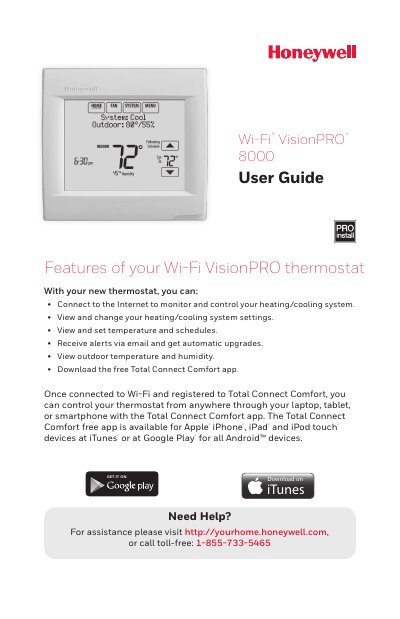
This user guide explains how to connect and configure the Honeywell Wi-Fi® VisionPRO® 8000 thermostat to a Wi-Fi network and register it with Total Connect Comfort for remote control. It covers setting time/date, fan and system modes, energy-saving schedules, and troubleshooting common issues. The guide includes both residential and commercial use instructions, with visual quick references for navigation.
Touch MENU, select Wi-Fi Setup, scan for networks, select your network, enter the password, and confirm the connection.
Go to mytotalconnectcomfort.com, log in or create an account, then register your thermostat by entering its MAC ID and MAC CRC.
Wake: 6:00 am, 70°/78°; Leave: 8:00 am, 62°/85°; Return: 6:00 pm, 70°/78°; Sleep: 10:00 pm, 62°/82°.