
This is a quick start guide for a portable radio product, introducing the radio's power on/off, lock/unlock, system selection, channel selection, scan list, etc.
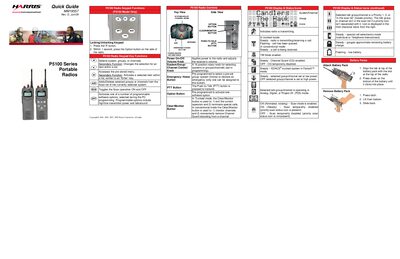
The Quick Guide provides an overview of the P5100 series display icons, keypad functions, and battery‑pack installation. It explains the meaning of status icons, how to use the rotary system/group/channel knob, and how to attach and secure the battery pack.
It also details basic operating procedures such as transmitting and receiving calls in conventional and trunked modes, using the emergency/home button, and accessing menu functions. For more advanced features, the guide refers users to the full Operator's Manual.
| System/Group/Channel Control Knob | 16‑position rotary knob |
|---|---|
| Battery Pack Attachment | Tab aligns with slot and clicks into place |
Align the tab on the battery pack with the slot on the radio and press down until it clicks.
Press and hold the red Emergency/Home button; the display will show *TXEMER* and the emergency will be active.